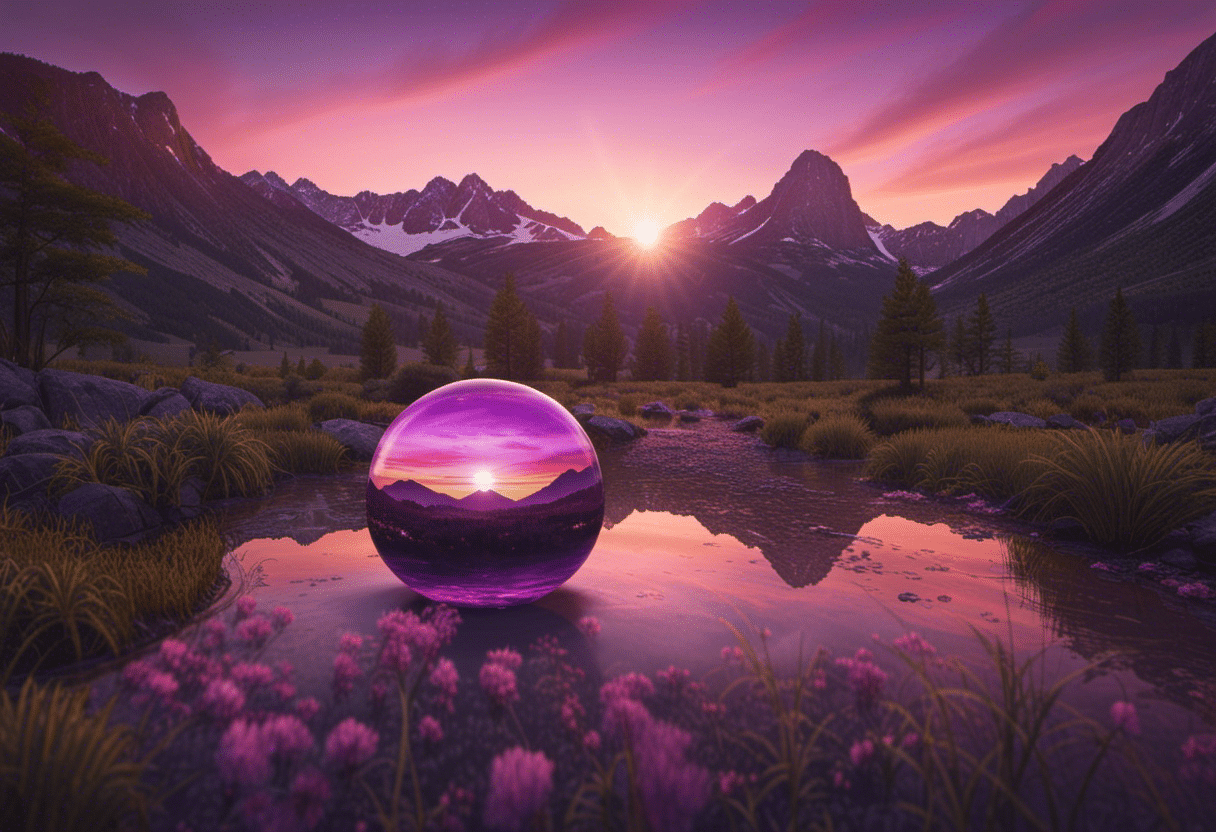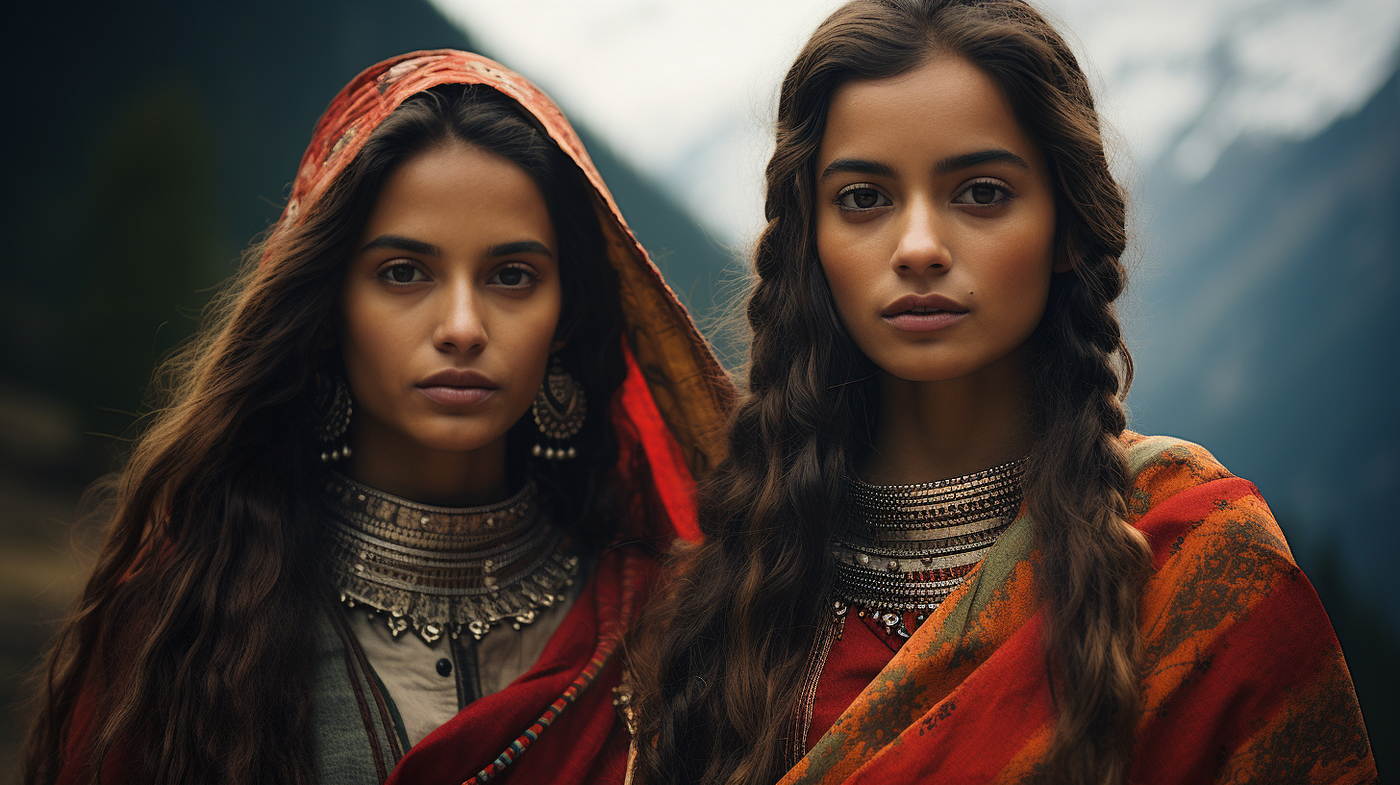
We’ve all been there: You type a prompt into Midjourney hoping for a breathtaking, realistic photograph, and you get something that looks like a glossy video game render with six fingers.
Midjourney Version 6 is an incredibly powerful model, but it requires a specific way of "talking" to it to achieve true photorealism. Forget the long paragraphs of "masterpiece, trending on artstation, 8k, hyper-detailed". Those keywords worked in 2022. Today, they actively ruin your images by making them look over-processed.
Here are the 5 secrets to actually getting realistic results that will make people question whether it's AI or a real photograph.
1. Specify the Camera, Lens, and Film Type
If you want a photograph, you need to talk like a professional photographer. Telling Midjourney the exact equipment used forces the AI to mimic the physical characteristics of that hardware.
- For Portraits: Try adding
Shot on 85mm lens, f/1.8, Sony A7R IV. This creates a natural background blur (bokeh) and compresses the facial features beautifully. - For Landscapes: Use
Shot on 16mm lens, f/8, wide angle. This keeps everything from the foreground to the distant mountains in sharp focus. - For Vintage Looks: Specify film stocks!
Kodak Portra 400gives a warm, nostalgic feel, whileFujifilm Superia 400provides moody greens and high contrast.
2. Lighting is Absolutely Everything
Amateur prompters ignore lighting. Professional prompters obsess over it. An image with perfect anatomy but terrible lighting will always look fake. Add specific lighting phrases to your prompt:
- "Golden hour lighting" or "Magic hour" (Warm, horizontal light before sunset)
- "Harsh studio strobe with softbox" (For professional fashion photography)
- "Soft diffused window light" (For moody, natural interior shots)
- "Cinematic rim lighting" (To separate the subject from the background)
3. Embrace Flaws and Imperfections
AI naturally wants to make things perfect: impossibly smooth skin, perfect symmetry, spotless clothes. Real life isn't perfect. Perfection is the number one giveaway that an image is AI-generated. You must explicitly tell the AI to add flaws.
Add keywords like: "subtle skin texture, pores, peach fuzz, film grain, slight motion blur, candid, raw unedited photo, asymmetrical."
4. Use the Style Raw Parameter (--style raw)
By default, Midjourney applies a heavy "aesthetic filter" to make images look artistic and beautiful. If you want raw photorealism, you need to turn this off.
Always add --style raw to the very end of your photorealistic prompts. This tells Midjourney to reduce its default aesthetic and strictly follow your prompt. Pair this with a low stylize value, like --s 50 or --s 100.
5. Focus on the Background and Environment
A subject sitting in a blurry, non-descript background looks fake. Real photos happen in real places. Describe the environment with as much detail as the subject.
Instead of: "A man drinking coffee."
Use: "A tired man in his 40s drinking espresso, sitting at a cramped, messy wooden desk in a dimly lit Tokyo cybercafe, neon lights reflecting off the wet window outside."
Want to see these prompts in action? Head over to our Image Generation Prompts Collection to copy and paste ready-made templates.
Frequently Asked Questions (FAQ)
Why does Midjourney v6 ignore my style keywords?
V6 is much better at understanding natural language syntax than previous versions. It no longer needs "word salad." Write clear, descriptive sentences instead of comma-separated keyword lists. Think of it as explaining the scene to a blind sketch artist.
Can I use Midjourney images commercially for my business?
Yes, if you are a paid subscriber to Midjourney, their terms of service currently state that you own the assets you create and can use them commercially for marketing, websites, or products. However, keep in mind that under current US law, completely AI-generated images cannot be copyrighted.
How do I fix messed up hands or faces?
If the image is perfect except for the hands, use Midjourney's "Vary (Region)" feature (also known as Inpainting). Highlight the messed up area, and prompt specifically for "perfect hands."