Let’s address the elephant in the room right away: Is artificial intelligence going to take my coding job? The short, realistic answer is no. But a developer using AI might very well take the job of a developer who refuses to adapt.
We are currently living through the most massive shift in how software is built since the invention of high-level programming languages. Gone are the days of spending three hours scouring StackOverflow for a missing semicolon or trying to decipher a cryptic regex pattern. Today, advanced tools like Cursor and GitHub Copilot act as intelligent pair programmers that sit right inside your IDE.
1. The Shift from Writing to Reviewing
The core philosophy of software engineering is changing. Historically, developers spent 80% of their time writing boilerplate code and 20% designing architecture. AI flips this ratio.
As an AI-augmented developer, your role is shifting from writing every single line of code to reviewing and orchestrating code. The AI generates the boilerplate, writes the unit tests, and structures the standard functions. Your job as the human expert is to ensure the business logic is correct, the architecture is scalable, and the application is secure.
Think of yourself less as a bricklayer, and more as the architect. The AI is laying the bricks at lightning speed; you are ensuring the building doesn't collapse.
2. The Best AI Coding Tools in 2024
The market is flooded with AI tools, but two stand out above the rest for professional developers:
GitHub Copilot
The pioneer in the space. Integrated directly into VS Code, IntelliJ, and Visual Studio, Copilot acts as an incredibly smart autocomplete. As you type a comment like // function to fetch user data and handle 404 errors, Copilot instantly suggests the entire function. It's fantastic for standard, repetitive tasks.
Cursor (The AI-First IDE)
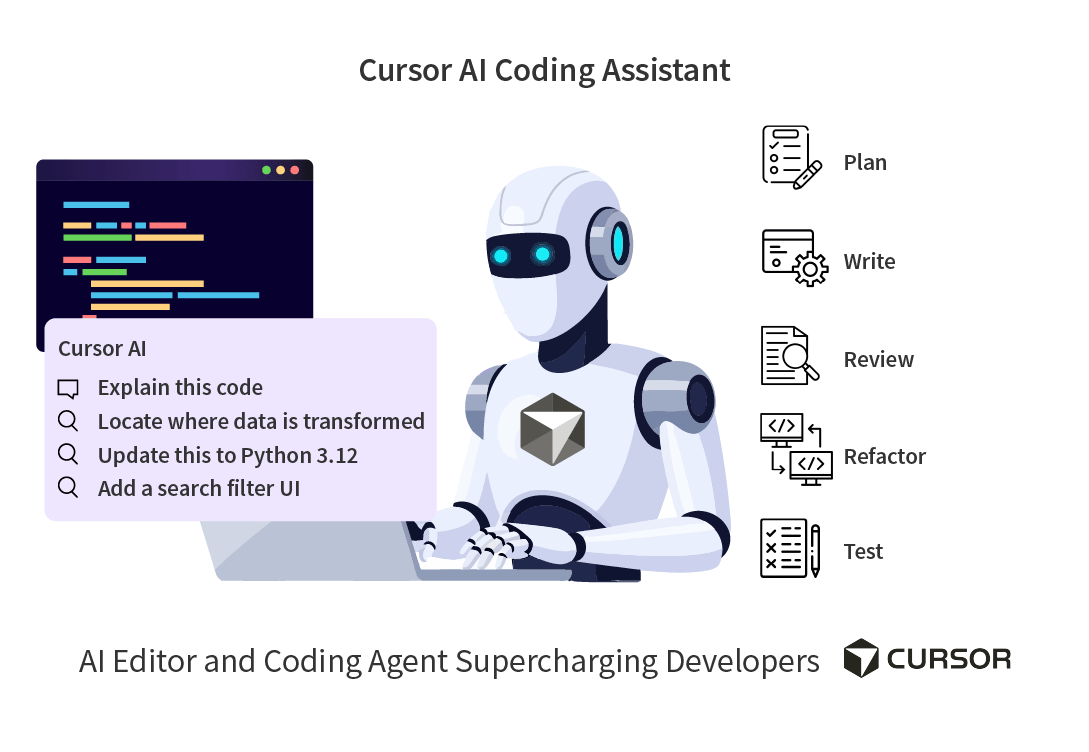
While Copilot is a plugin, Cursor is an entire IDE built around AI (it's a fork of VS Code). Cursor's killer feature is its Codebase Indexing. You can press Cmd+L, open a chat, and say "Where do we handle the Stripe webhook verification?" Cursor reads your entire repository and points you exactly to the right file. It can then generate code that contextually understands your specific database schema and project structure.
3. My Favorite AI Coding Workflows
If you want to maximize your productivity, try integrating these workflows into your daily routine:
- Explaining Legacy Code: We all dread inheriting a 10-year-old codebase without documentation. Highlight a bizarre, undocumented 500-line function and ask the AI: "What exactly does this do, what are the edge cases, and how can I refactor it to modern standards?" The AI will break it down line by line.
- Writing Unit Tests: Nobody genuinely enjoys writing unit tests. AI is exceptionally good at reading your function and generating 10 edge-case tests in Jest or PyTest in seconds. This allows you to achieve 90%+ test coverage without spending days on it.
- Learning New Languages: Transitioning from Python to Rust? AI acts as a patient, 24/7 tutor. You can write Python code and ask the AI to translate it to idiomatic Rust, explaining the concepts of memory management and borrowing along the way.
- Generating Regex: Writing Regular Expressions manually is notoriously frustrating. Describing what you want in plain English ("I need a regex that matches valid IPv4 addresses but ignores private ranges") yields a perfect regex string instantly.
For more specific prompt templates to use in your IDE, check out our AI Coding Prompts Library.
4. The Danger of Over-Reliance (AI Hallucinations)
While AI is powerful, it is not infallible. Large Language Models suffer from "hallucinations"—they will confidently invent a library or a function that doesn't exist.
If you blindly accept AI-generated code without reading it, you will introduce subtle, catastrophic bugs into your system. AI is a co-pilot, not an autopilot. Always review the code. Always run your tests. Always understand the logic before pushing to production.
Frequently Asked Questions (FAQ)
Is it safe to paste my company's proprietary code into an AI?
This is a critical security question. It depends entirely on the tool and your company's specific policy. Enterprise versions of Copilot and ChatGPT explicitly state they do not use your code to train their models. However, using free consumer versions might expose your codebase. Never paste sensitive API keys, passwords, or customer PII into any AI tool.
Will Junior Developers struggle to find jobs?
The barrier to entry is changing. Junior developers who solely rely on writing basic boilerplate might struggle. However, juniors who learn how to use AI to build full-stack applications faster than ever will be highly sought after. The skill is no longer just syntax; it's system design and problem-solving.
Which AI editor is the best right now?
Currently, Cursor is widely considered the best AI-first IDE by the developer community because it understands your entire codebase contextually, rather than just the single file you currently have open.